

Return
How to Use the 1RBX Market?
Are you looking for rare pets or exclusive Game Passes? 💎 Visit our Market to get unique items. Buy easily, safely, and with 24/7 support! 🤝

Guide: How to Buy Items on the 1RBX Marketplace
Shopping for in-game items is simple and secure. Pick your favorite items, checkout, and receive your delivery within 5 minutes!
Need funds first? Learn how to top up your balance here.
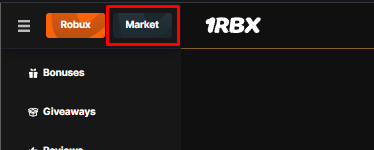
- Step 1. Open the main menu and click on the "Market" tab.
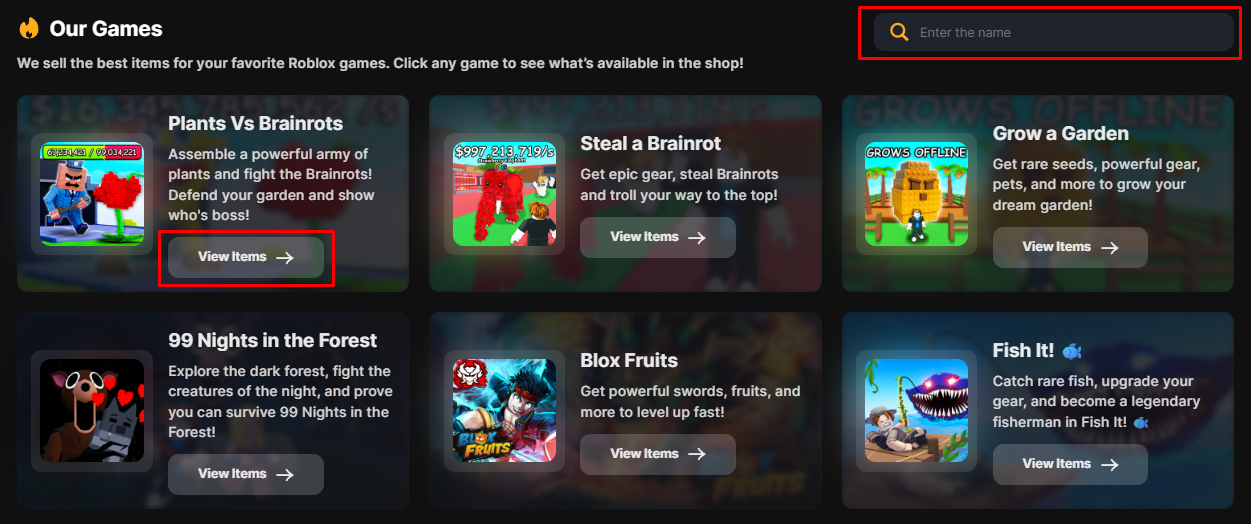
Once on the page, use the search bar to quickly find your favorite game or browse through our list of 170+ supported games!
- Step 2. Select the game you want to buy items for.
- Step 3. Use the filters to sort by rarity or price and find the perfect item faster.
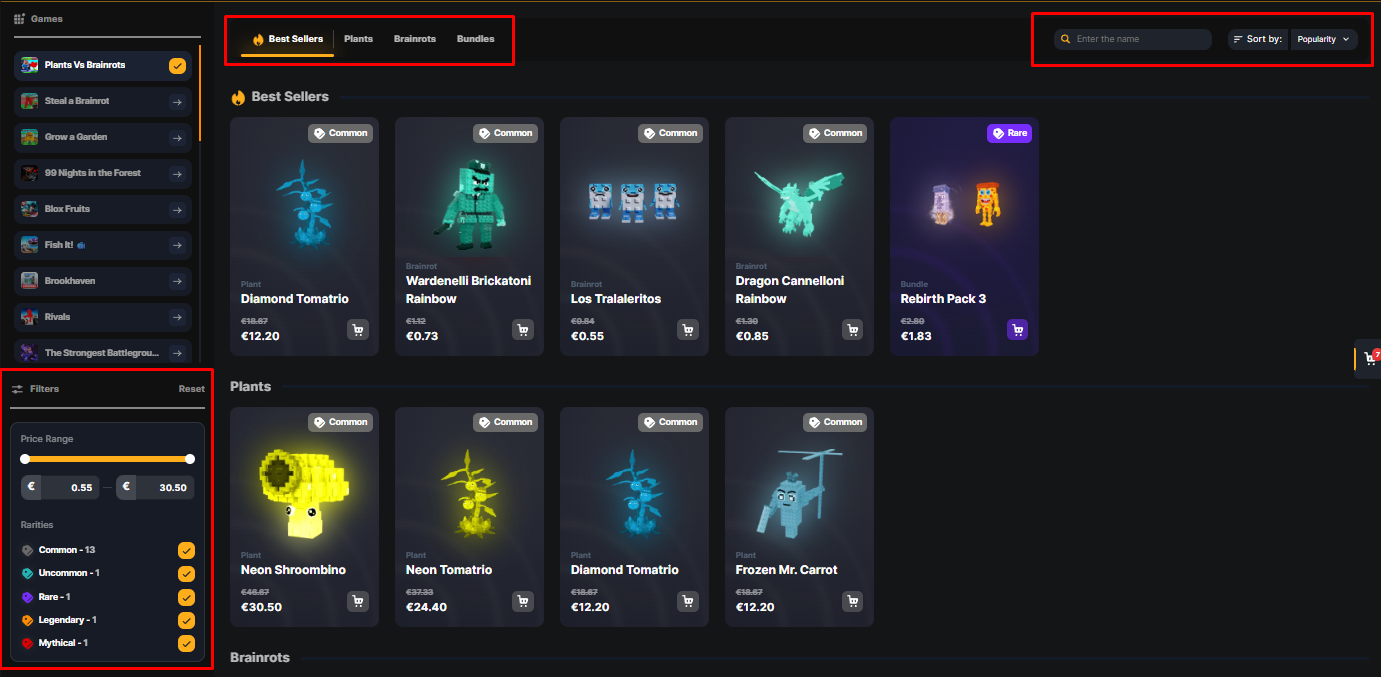
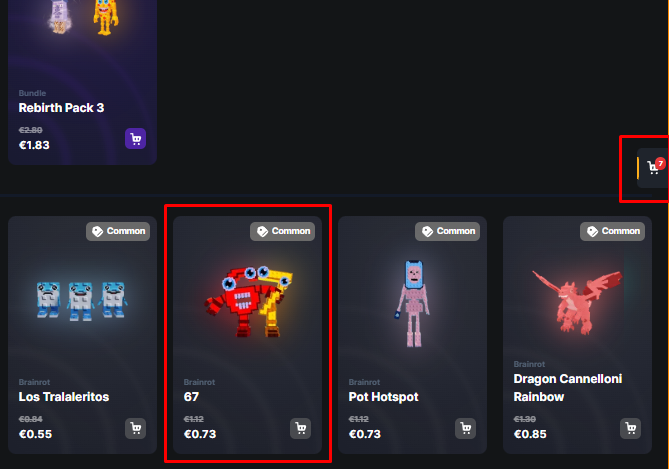
- Step 4. Found what you need? Simply click anywhere on the item card, and it will be instantly added to your cart.
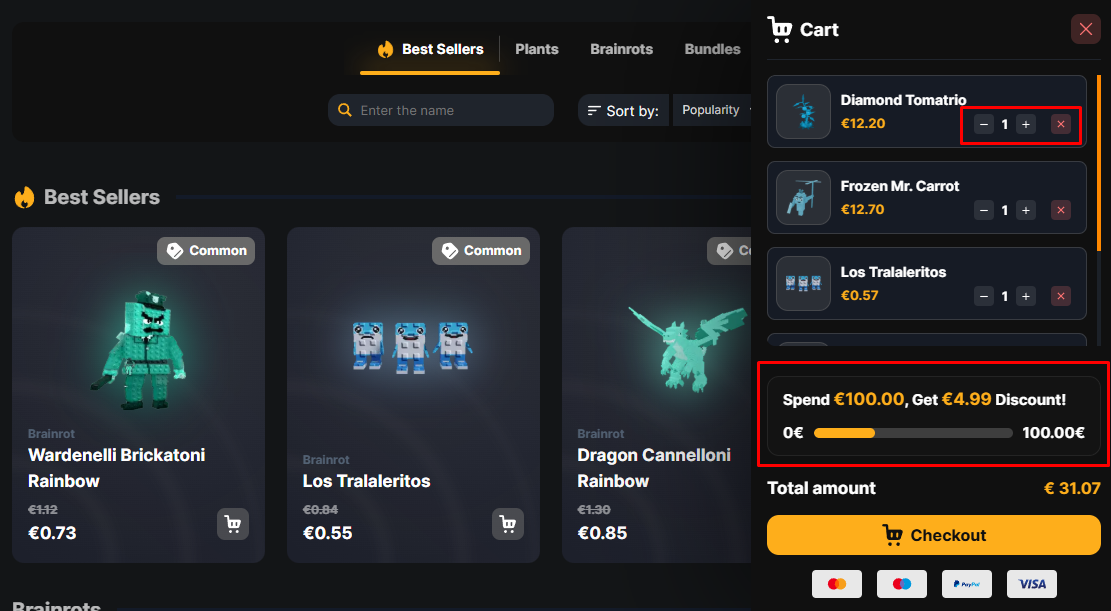
- Step 5. Buying in bulk? Use the "+" or "-" buttons to adjust the quantity of items.
- Step 6. Changed your mind? Click the "X" button to remove an item from your cart.
- Bonus! Orders over $100 automatically receive a $5.00 discount!
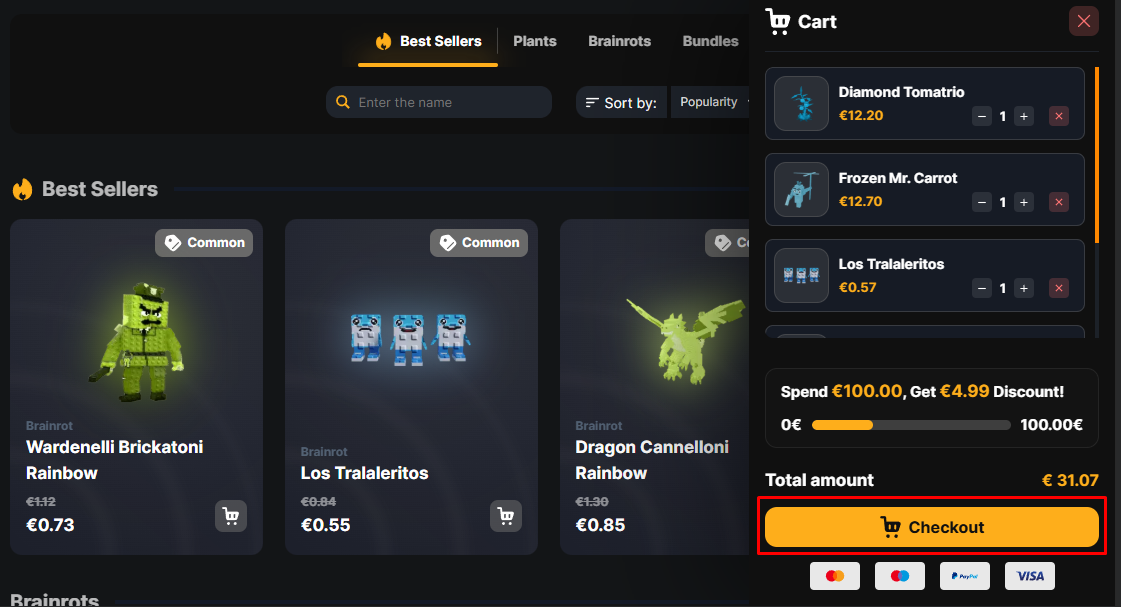
- Step 7. Ready to buy? Click "Checkout". Enter your username (or a friend's username if you are sending a gift).
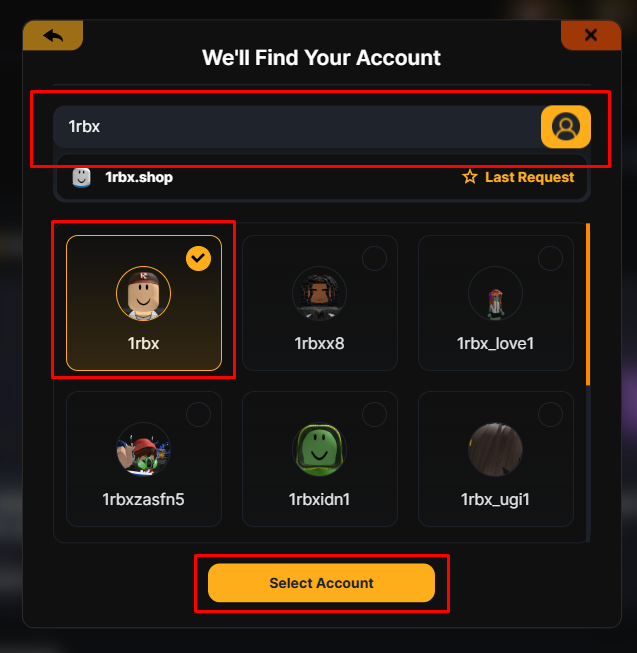
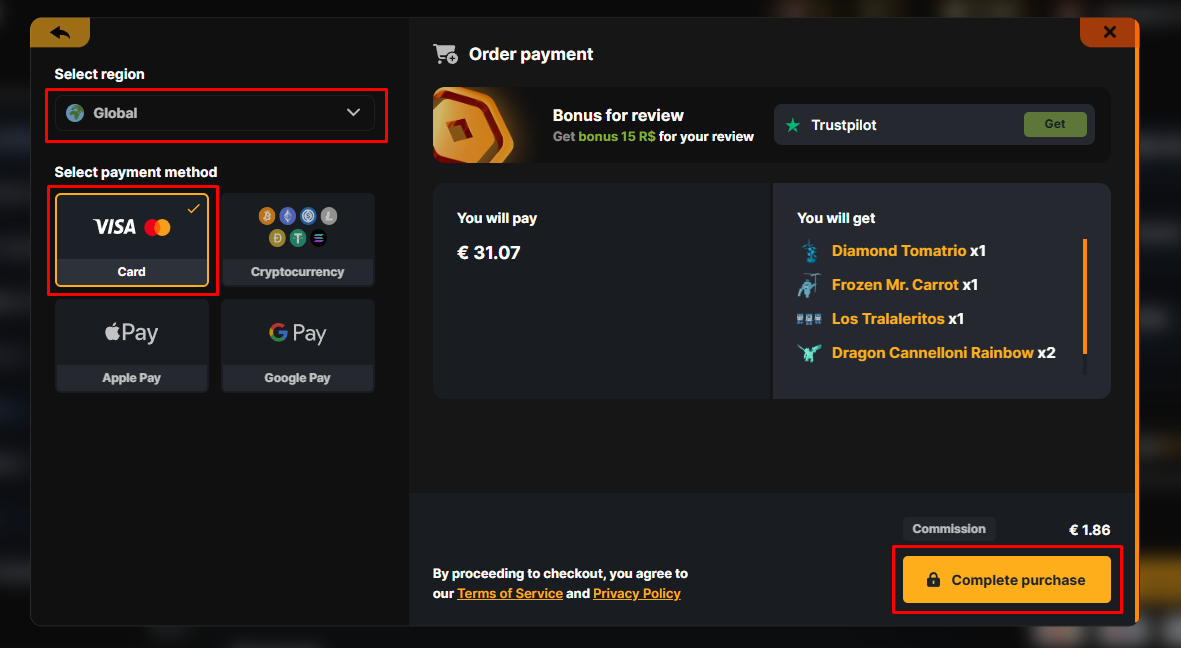
- Step 8. Select your payment method and complete the purchase.
Order complete? Read our guide on how to receive your delivered items.
Still need
help?
Our support team is ready to assist you with any questions or issues you may have
Chat with us